


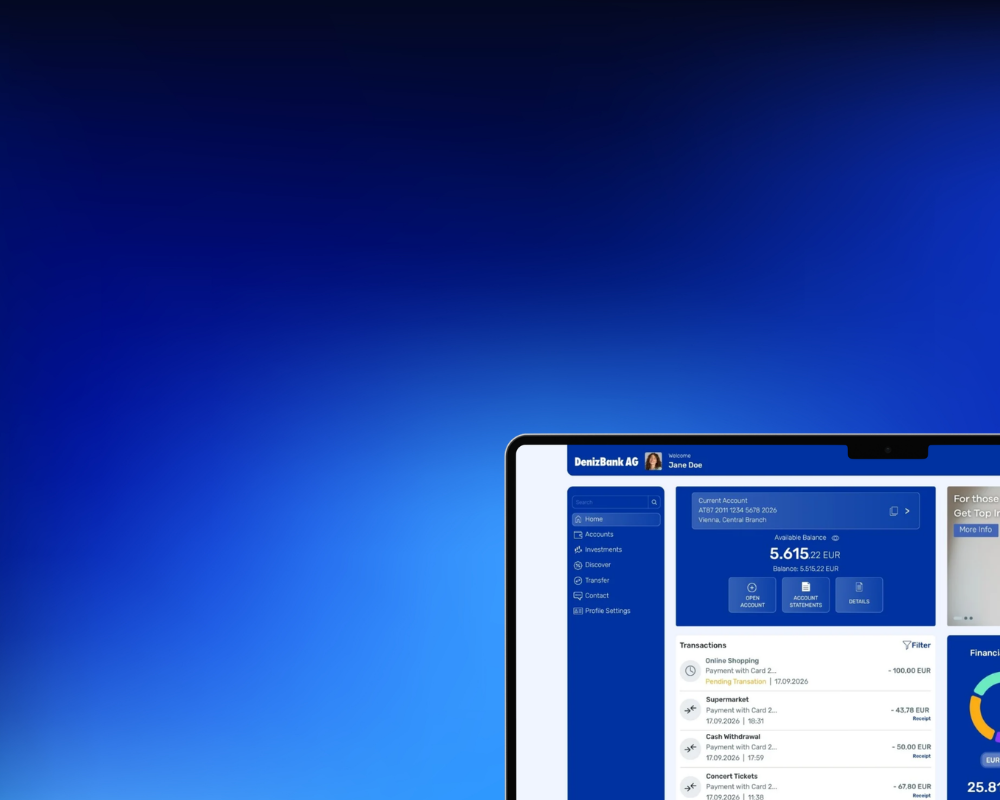

Your Digital Banking.
Digital Experience of the Next Generation.
Your Digital Banking got a New Look
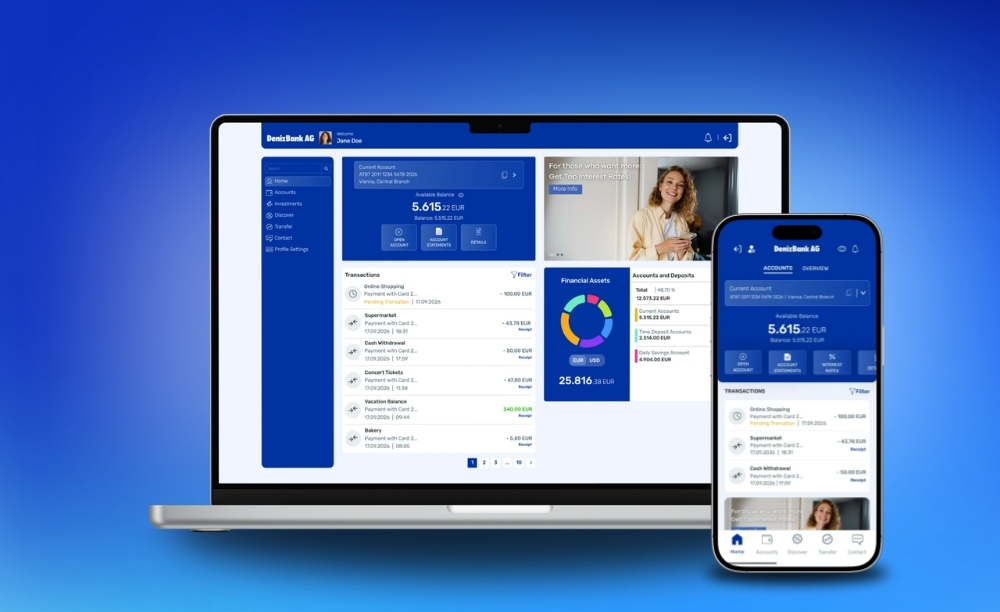
DenizMobile and Internet Banking are now available with enhanced user experience and a fresh, modern design.
- Modern design, tailored to everyone's needs
- Simple and intuitive navigation
- Easy access and effortless transactions
- Stay in touch with your bank through the new chat feature in your Message Center
Discover More. Right in Your Digital Banking.
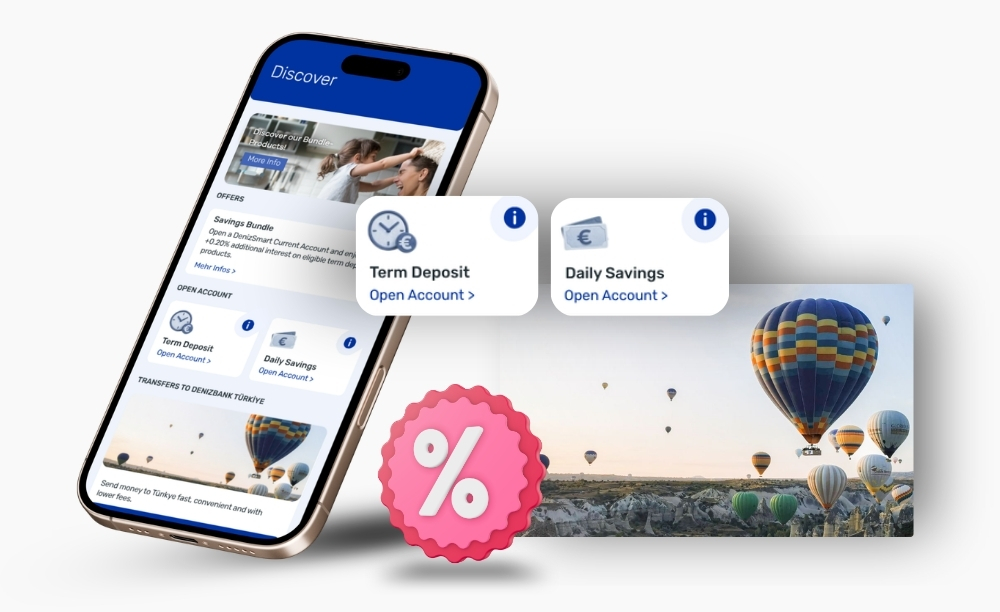
Get the latest updates on products, services and campaigns – so you never miss out on what's new.
- Be the first to hear about new products
- Benefit from special interest rates
- Discover useful tips on security, saving and much more
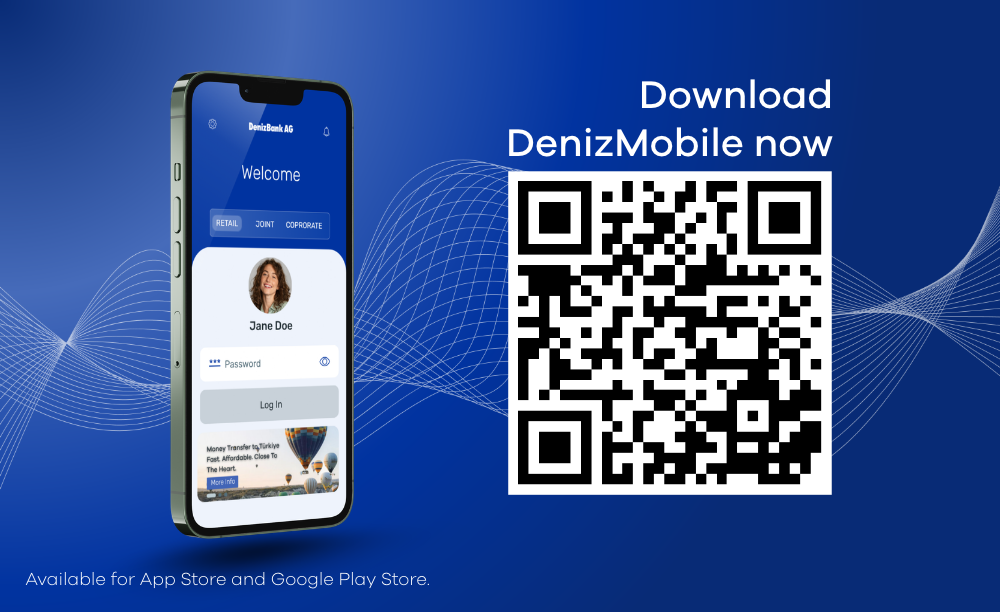
How to Log In to DenizMobile for the First Time
Simply follow these steps:
- After October 25: Download the new version from the App Store or Google Play Store.
- Log in using your customer number and password.
- Complete the verification process using smsTAN – this step is designed to keep your account secure.
- You're all set! Explore your new DenizMobile Banking App.
We're Here for You and Happy to Help!
Feel free to schedule a personal appointment or contact us by phone. We’ll be happy to help.
FAQs
With our new Digital Banking experience, we are introducing a next-generation user experience.
- Modern design: A more modern and easy-to-understand interface.
- Intuitive navigation: A new menu structure that provides faster and easier access to banking services.
- Simplified processes: Easier access to money transfers, account openings and other everyday banking transactions.
- Discover Section: Access to your financial needs in one place.
- Contact: Easier access to contacting our bank, your documents and the Information Center.
- Messages: Easy access to announcements, information and updates from our bank.
- Financial Overview: The ability to view and manage your accounts from a single screen.
- Accessibility: A more inclusive and accessible digital banking experience.
If you are already a DenizBank AG customer, please download the Internet Banking Application Form from our website and send us the signed form per post.
DenizMobile is a mobile banking application that allows DenizBank AG customers to perform daily banking transactions on their mobile phones the fastest way possible.
You can log in to the new DenizMobile and Internet Banking using your existing customer number, Internet Banking password and mobile phone number registered in our system.
DenizMobile You can download the new DenizMobile from the App Store or Google Play.
For your first login, you will need to enter your customer number and Internet Banking password and complete the verification using the SMS TAN sent to your mobile phone number registered in our system. For subsequent logins, you can use Face ID or fingerprint authentication, provided your device supports these features.
Internet Banking By enabling the Remember Me feature when logging in to Internet Banking, you will not need to enter your customer number again during subsequent logins.
If you use DenizMobile, you can log in to Internet Banking quickly and securely using the pushTAN sent to your DenizMobile application.
Joint account holders: When logging in, you must enter both your joint customer number and your personal customer number.
DenizMobile You can download the new DenizMobile from the App Store or Google Play.
For your first login, you will need to enter your customer number and Internet Banking password and complete the verification using the SMS TAN sent to your mobile phone number registered in our system. For subsequent logins, you can use Face ID or fingerprint authentication, provided your device supports these features.
Internet Banking By enabling the Remember Me feature when logging in to Internet Banking, you will not need to enter your customer number again during subsequent logins.
If you use DenizMobile, you can log in to Internet Banking quickly and securely using the pushTAN sent to your DenizMobile application.
Joint account holders: When logging in, you must enter both your joint customer number and your personal customer number.
If you cannot remember your Internet Banking password, please contact our Contact Center under 0800 88 66 00.
The Contact Center is available every working day (MON – FRI) from 08:00 to 18:00.
The Contact Center is available every working day (MON – FRI) from 08:00 to 18:00.
Yes. If you try to continue using the existing DenizMobile application, you will be redirected to the relevant app store and asked to update the application.
You can continue using the existing DenizMobile application until the new DenizMobile application will be launched. After the launch, you will have to install the new version.
- iOS: iOS 16 and later versions are supported. DenizMobile cannot be used on iPhone models that do not support iOS 16.
- Android: Android 7 and later versions are supported.
When logging in to the new DenizMobile for the first time, you will need your customer number, Internet Banking password and mobile phone number registered in our system.
If you cannot remember your password, please contact our Contact Center on 0800 88 66 00.
The Contact Center is available every workday (MON – FRI) from 08:00 to 18:00.
If you cannot remember your password, please contact our Contact Center on 0800 88 66 00.
The Contact Center is available every workday (MON – FRI) from 08:00 to 18:00.
After the update, you can log in to DenizMobile using your customer number and Internet Banking password. During your first login, you will need to complete the verification using the smsTAN sent to your mobile phone number registered in our system.
To make future login easier, you can set up Face ID or fingerprint authentication, provided your device supports these features.
To make future login easier, you can set up Face ID or fingerprint authentication, provided your device supports these features.
Yes, you can access it from more than one device. However, your account can only be paired to one device at a time. This means, if you log in with a new device, your access on the other device will be deactivated.
Yes. However, you will need to set up your biometric login method again after your first login to the new DenizMobile.
Once you have set up biometric authentication, you can use Face ID or fingerprint authentication for subsequent logins.
Once you have set up biometric authentication, you can use Face ID or fingerprint authentication for subsequent logins.
During your first login to the new DenizMobile, you will be asked whether you would like to use biometric login.You can enable biometric login at this stage. If you would like to enable it later, you can set it up via Profile and Settings > Login Method.
No. Our bank does not receive or store your biometric data in its system.
DenizMobile uses the biometric authentication method registered on your device.
DenizMobile uses the biometric authentication method registered on your device.
In the new DenizMobile, facial recognition on Android devices is supported only on devices that meet Android’s strong biometric security requirements, classified as Class 3 / Strong.
Therefore, the availability of facial recognition may vary depending on your device model and its biometric security level.
If your device has a fingerprint reader, you can use your fingerprint for biometric login. If biometric login is not supported by your device, you can log in to DenizMobile using your Internet Banking password.
Therefore, the availability of facial recognition may vary depending on your device model and its biometric security level.
If your device has a fingerprint reader, you can use your fingerprint for biometric login. If biometric login is not supported by your device, you can log in to DenizMobile using your Internet Banking password.
Yes. You can log in to the new Internet Banking using the pushTAN sent to your DenizMobile application after pairing your account to DenizMobile on your mobile device. Afterwards, transaction confirmations via DenizMobile or Internet Banking will be approved only via pushTAN.
Make sure to update your DenizMobile app to use pushTAN for logging in.
Make sure to update your DenizMobile app to use pushTAN for logging in.
SmsTAN (also called mTAN or mobile TAN) is a single-use code sent via text message to a phone to authorize money transfers and logins.
PushTAN is a secure online banking method, used to authorize money transfers and logins. Instead of typing a code sent via text message, you receive a push notification on your smartphone.
Your PIN will be sent via SMS to the mobile phone number you have registered at DenizBank AG. This PIN is provided upon first login. After logging in for the first, you must change the password. This PIN is only valid once.
Yes. You can continue using the new Internet Banking.
To log in, you will need your customer number, Internet Banking password and mobile phone number registered in our system.
To log in, you will need your customer number, Internet Banking password and mobile phone number registered in our system.
If you have questions about your registered personal information, you can call our Contact Center under 0800 88 66 00. Please note that we are only authorized to provide information about your account details, if you are calling from the phone number which is registered to your account. If you are calling from a different phone number, we are not entitled to give you any information center
Yes. As before, you can continue opening the following accounts through the new DenizMobile and Internet Banking:
- Time Deposit Accounts
- Daily Savings Account
- Deniz Sparplan
Your existing recurring payment instructions and future-dated transactions will continue to be processed on their scheduled dates.
You can view your recurring payment instructions and future-dated transactions via Transfers > Transfer Management.
You can access your previously saved transfer details via the SEPA / SWIFT Transfer and DenizBank Türkiye Transfer screens and initiate your transactions.
You can view your recurring payment instructions and future-dated transactions via Transfers > Transfer Management.
You can access your previously saved transfer details via the SEPA / SWIFT Transfer and DenizBank Türkiye Transfer screens and initiate your transactions.
Yes. You can update the following personal information through the new DenizMobile and Internet Banking:
To update your home address and your phone number, please visit one of our branches or send us a signed order via post.
- Email address
- Work address
- Occupation
To update your home address and your phone number, please visit one of our branches or send us a signed order via post.
No. Your existing transaction limits will remain valid.
You can view your transfer limits via Transfers > Limit Transactions.
You can view your transfer limits via Transfers > Limit Transactions.